Home › Learn › Opening a US-stock account
Opening a US-stock account: six checks before choosing a brokerHow to choose a US-stock broker, what to prepare, what to check
A US-stock account application starts with residence and tax status. They help determine which legal entity receives the application, which documents it accepts, and which account types and trading permissions may be available. The process then moves through identity, address and tax evidence, review or document requests, approval, and only afterward funding and trading.
Table of contents
How residence determines the account entity
A brokerage brand may use different legal entities for customers in different countries. Residence, tax status and document type can affect the application entry point, customer agreement, custody arrangement, complaint route and available products. Begin with the application page for your region and record the full legal name in the agreement.
Once the entity is known, fees, funding routes and permissions have a defined source. Material written for another entity under the same brand can explain a feature, but it does not establish the terms of your account.
From a candidate entity to an available account
The regional eligibility list determines whether an application can start. The document list then narrows which identity and proof-of-address records are accepted, while the account terms describe the products and funding routes attached to that entity.
This sequence explains why two customers can see different account choices under the same brand. A US-resident account description does not establish what an overseas applicant will receive, and a general product page may cover products that the applicant's entity or account type does not offer.
The regional list, accepted ID and proof-of-address types, and any account category for non-residents belong together. They show whether the application can proceed and which entity, funding rules and product set would apply.
Account conditions at a glance
The table connects information used at different stages of the application: entity and eligibility determine whether the account can be opened; fees and funding describe how it will operate; support and product range matter when documents, permissions or later transactions need attention.
| Account condition | Information to find |
|---|---|
| Entity and oversight | Legal name, registration, custody and applicable protection |
| Eligibility | Residence, tax status and accepted documents |
| Cost | Trading, currency conversion, account and transfer charges |
| Funding and withdrawal | Eligible source and receiving accounts, limits and holds |
| Support | Language, official contact method and application reference |
| Products | Services offered by the entity and permissions granted to this account |
Check the regulated entity and eligibility first because they determine whether you can apply and which rules govern the account. After that, compare total costs, funding and withdrawal routes, support, and product range, assigning weight according to how you expect to use the account.
Match the entity in the agreement and regulator database
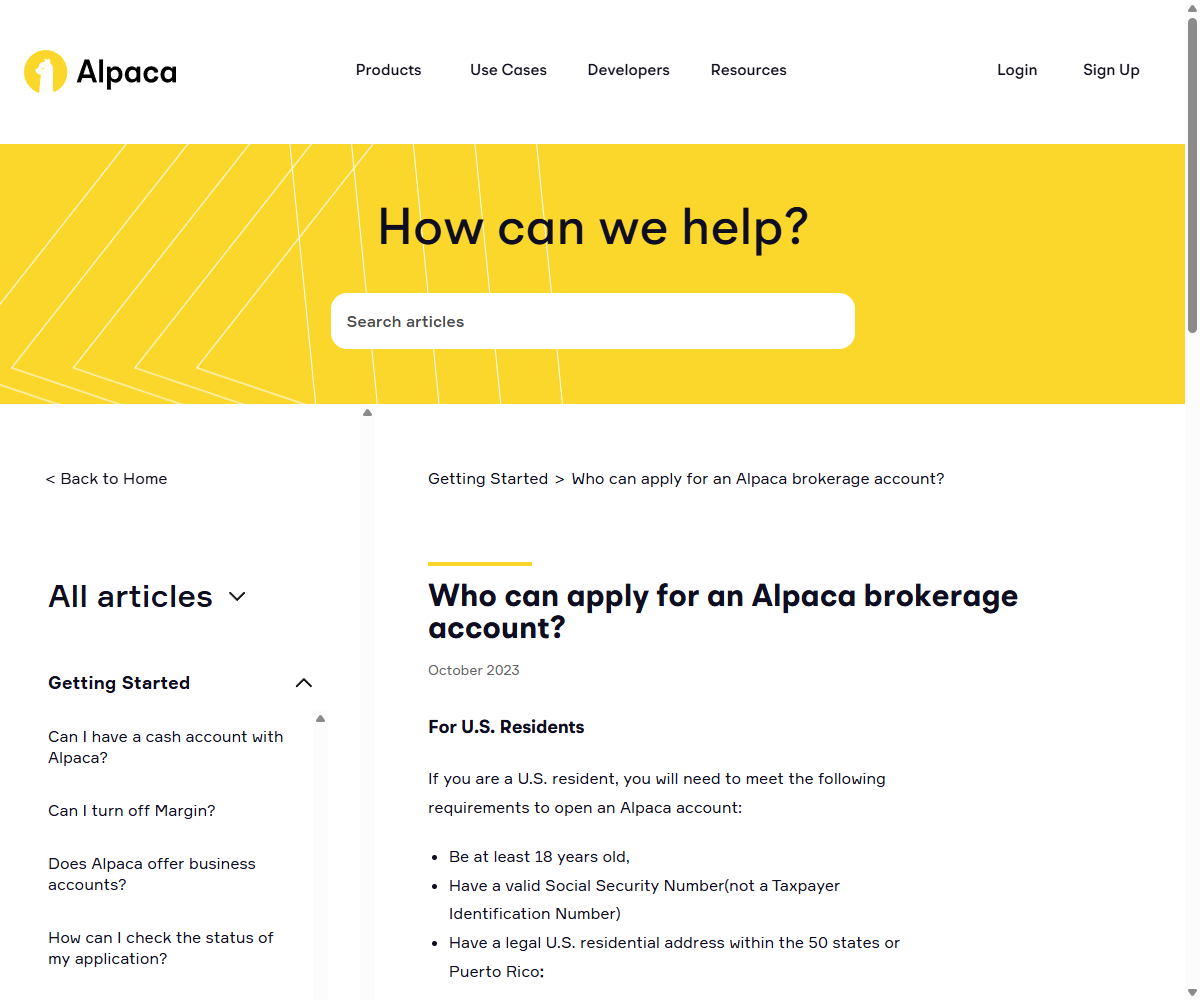
Resolve the brand to the legal entity that will carry your account. Find its full name and registration number in the application, customer agreement or relationship summary, then match that name, status and official domain in the regulator's database. Customers in different countries can be assigned to different entities with different products, custody arrangements, complaint routes and protections. A footer logo or a general statement about segregated assets does not answer those entity-level questions.
Costs that begin after opening
Zero commission describes the trading-commission line. Account cost can also include platform or account fees, FX markup, funding and withdrawal charges, and margin interest when borrowing is used. Expected trade size, conversions and transfers determine how those entries combine for the applicant's use.
Funding adds the conversion and transfer side of the account cost. The funding guide follows the available routes and credit states, while the fees guide combines them with trading charges. At the opening stage, the relevant question is whether a usable route exists for the applicant's source account and currency.
Read the withdrawal page alongside it. A particular deposit can restrict the available receiving destination during a source hold, but that does not create a universal rule that every withdrawal must return to the original bank. Another same-name account may require verification, while joint and institutional accounts follow their own holder-eligibility rules.
Support channels and product permissions
Support is part of the application record when a document request or status needs explanation. Useful details include the languages covered, whether the signed-in account supports cases, and how a response is linked to the application number.
Product range and account permission are separate. A broker may offer stocks, ETFs, options or fractional shares, while a particular entity or account still restricts access by region, account type or questionnaire result. The approved-account page shows the permissions actually granted.
Align the form with supporting documents
Download the document list from the entity that will open your account instead of treating another broker's requirements as a template. Align your legal name and date of birth across ID, application, tax certification and your own bank account. Check the accepted type, issue date, language and format for proof of address. Enter tax residence and tax numbers from your real circumstances, and review whether the application defaults to a cash or margin account or adds product permissions you did not request. Handle any follow-up only inside the account or through official support.
- An identity document accepted by this account entity, with the legal name, number and validity details clear and consistent with the application.
- Proof of address that meets the broker's accepted document type, issue-date window, language and format, and matches the address in the application.
- Your actual tax-residency details and any tax identification number required for your circumstances.
- Bank or funding-account details that meet the broker's source-account and holder-eligibility rules; individual, joint and institutional accounts may use different matching requirements.
- An honest sense of your experience and goals, the risk questionnaire expects consistent, truthful answers, not "ideal" ones.
- Confirm beforehand that your region is on the broker's supported list, so you're not filling a form you can't finish.
Submit the application and read its initial status
The application joins identity, address, tax-residency and financial information to the documents prepared in the previous section. Enter each value from the applicable record rather than adapting another broker's form, and use the account type and permissions actually requested.
Before submission, compare legal name, date of birth, address and tax details across the form and evidence. Each image also has to meet the entity's accepted type, date, language, format and legibility requirements. The first status shown after submission becomes the starting point for the next section.
Read the status after submission
After submission, the account may show a pending review, a request for additional information, or approval. Pending means the evidence is still being processed. A document request should identify a field, file or explanation. Approval completes the application stage, but account type and product permissions still appear separately.
Each request points back to a relationship in the original application: name to identity document, address to proof of address, tax declaration to tax number, or questionnaire answers to a requested permission. Keeping the application or case number attached to the response preserves that link.
Respond to a document request
Use the signed-in account or an official support case to supply the exact field or document named in the notice. Legal name, date of birth, address, tax details, image validity and questionnaire answers should be compared with the original evidence before resubmission.
Do not create a duplicate application unless instructed, because it may not share the existing case history. The funding guide explains what follows after approval, while the beginner-mistakes guide covers order and account risks after funding.
After approval: account type and permissions
The approved account page should identify whether the account is cash or margin, which products are enabled, its base currency and its funding entry point. Approval does not mean every product permission is active, and a credited deposit may still differ from cash available to trade.
Enable the login protection offered by the account and retain the official support route. Passwords, two-factor codes and recovery credentials do not belong in an onboarding support conversation, even when the request is presented as help with approval.
Opening approval and funding are separate. A minimum deposit or a deadline to fund applies only if the account terms specify it; check that condition before treating an approved but unfunded account as ready for indefinite use.
Educational content. Calculation examples use stated assumptions; linked rules and dated screenshots are identified in context. Check current account and product terms before acting. Content reviewed September 9, 2026.