Home › Learn › Pre-market & after-hours
Can you trade pre/after hours, and what's hiding behind the "good price"US pre/after-hours sessions, liquidity, spreads and gap risk
You can buy eligible stocks after hours if your broker and account support the session. But a quote showing “Last $100” does not promise a $100 purchase. Follow a hypothetical 50-share order from the bid and ask through a partial fill and cancellation, then see where the session times, earnings news and overnight risk affect it.
Table of contents
Last $100, ask $100.40: what can this order buy?
Last means the price of the most recent trade. Bid is a buyer’s current quote; Ask is a seller’s. A buyer seeking an immediate fill needs to read the ask and its available size. A seller needs the bid. A small trade several minutes ago can leave Last well away from today’s executable quote. Check the timestamp and any delay label first.
Follow a 50-share order through the quote
These are invented prices, not a live stock. Last is $100.00, the bid is $99.80 and the ask is $100.40. Only 20 shares are offered at that ask; the next ask is $100.60. We use shares here. A real screen may display lots or another size unit, which you must identify before using it.
The spread is $100.40 − $99.80 = $0.60. Relative to the $100.10 midpoint, that is approximately $0.60 ÷ $100.10 = 0.60%. It is not a commission or a forecast of a price decline: it measures the gap between the two quoted sides. Fees are additional.
A limit order to buy 50 shares at $100.40 might fill 20 shares for 20 × $100.40 = $2,008, leaving 30 waiting, provided the quote remains available and your order reaches it. It cannot automatically pay $100.60 to complete the order. Even the displayed 20 shares are not guaranteed: another buyer may reach them first or the seller may cancel.
If you later raise the ceiling to $100.60 and the remaining 30 shares all fill there, total cost becomes $2,008 + 30 × $100.60 = $5,026, an average of $100.52. That is a cost calculation, not a reason to raise the limit. Changing the ceiling changes what you agree to pay. The old $100.00 Last never promised a fill for your whole order.
Put the price and quantity into the order ticket
A buy limit sets your highest execution price; a sell limit sets your lowest. Neither guarantees a fill or a particular filled quantity. A market order has no such price boundary, and many brokers do not accept it in extended sessions. Alpaca’s official order-type explanation covers limits, market orders and stops; check your own broker’s session rules for the types actually available.
Review the ticket for the same example
- Side and quantity: buy 50 shares. Identify whether the input means shares or a dollar amount; $50 and 50 shares are very different orders.
- Price: select Limit and enter $100.40. Confirm the security name, currency and buy/sell direction in the preview.
- Session: explicitly select the broker’s extended-hours option. Submitting after the close does not itself enable an after-hours fill; an order may be queued for the next regular session.
- Time in force: read how this broker applies DAY or GTC to this session. DAY does not simply mean midnight in your local time, and GTC does not necessarily make an order active in every session.
- Buying power and fees: buying all 50 shares at the limit requires at most
50 × $100.40 = $5,020in purchase value, plus applicable fees. Do not budget only for the first 20 shares you expect to fill, or mistake total account value for available cash.
If the preview leaves the session, expiry or available buying power unclear, resolve that before submitting. A screen accepting your input does not establish that every trading condition has been satisfied.
Check filled and remaining quantity separately
Statuses such as Accepted, New or Queued describe receipt or processing, with exact meanings set by the broker. Read Filled quantity and average fill price to establish what you actually bought. An order showing 20 filled and 30 remaining is not a reason to submit another 50-share order.
If you cancel, you are cancelling the unfilled portion. Pending cancel is not a cancellation confirmation: the original order can still fill while the request is processing. Wait for confirmation, then reconcile final fills, remaining quantity and the position before deciding whether to place a replacement. Cancelling cannot undo an executed trade.
For Rejected, Expired or an unexpectedly unfilled order, inspect the rejection reason, expiry, security eligibility, buying power and whether an executable quote reached your limit. A trading halt can also prevent execution. Keep the order ID and timestamped record for broker support; they identify the problem more precisely than remembering when you pressed Buy.
Which session will receive the order?
Common US session boundaries are shown below in Eastern Time (ET). Your broker may offer only part of a window. Holidays, early closes and security-specific restrictions require a separate check. The UTC+8 columns apply to Singapore, Hong Kong and Beijing.
| Session | Eastern Time | UTC+8 during US daylight time | UTC+8 during US standard time |
|---|---|---|---|
| Pre-market | 04:00–09:30 | 16:00–21:30 | 17:00–22:30 |
| Regular | 09:30–16:00 | 21:30–04:00 next day | 22:30–05:00 next day |
| After-hours | 16:00–20:00 | 04:00–08:00 next day | 05:00–09:00 next day |
“Next day” refers to the date after the Eastern trading day. Monday’s US after-hours session falls on Tuesday morning in UTC+8. The date on your phone alone does not identify the US trading day. Use our US market-hours tool to check the time-zone conversion; its regular-session display does not replace an exchange holiday calendar or your broker’s eligibility rules.
UK readers also need to check both clocks. The US and UK do not always switch daylight saving time in the same week, so the London–New York difference changes during the transition. Confirm America/New_York and your local time zone instead of relying on one opening time year-round.
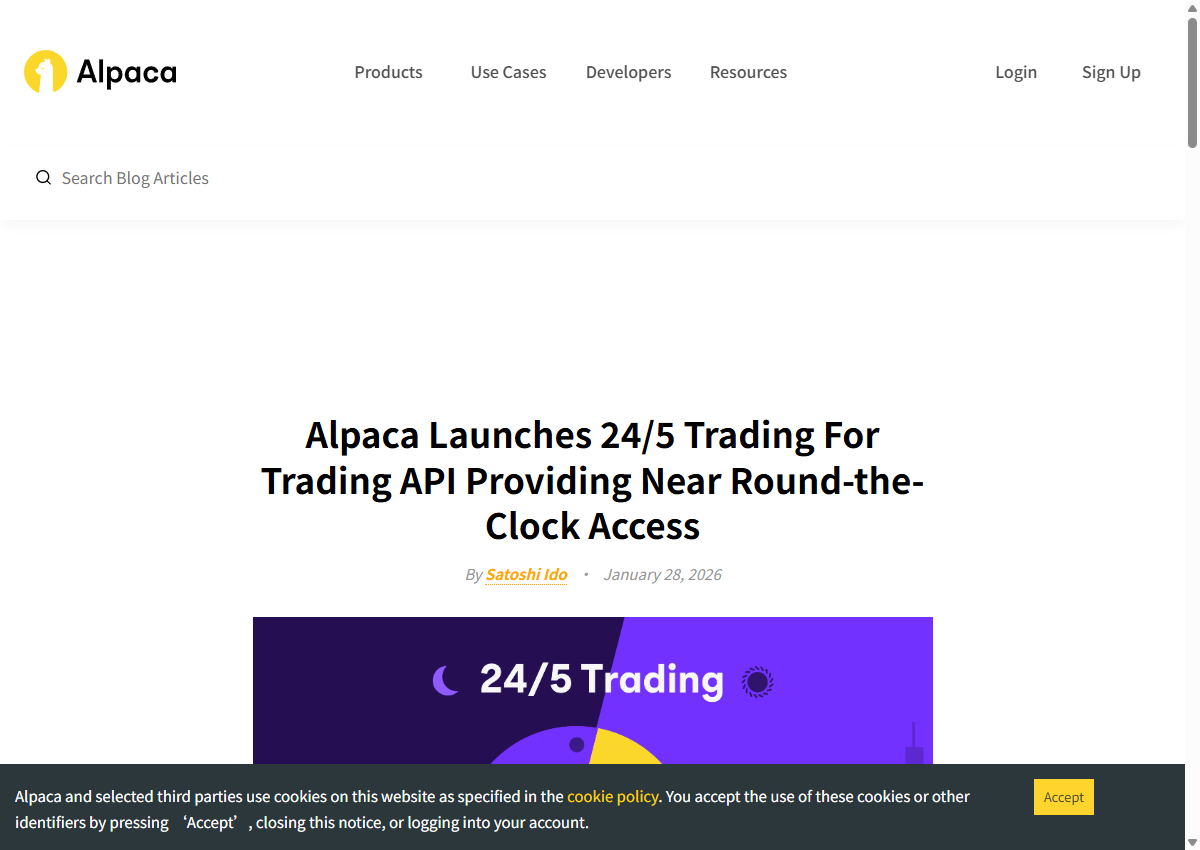
Overnight trading, commonly 20:00–04:00 ET, is a separate session. Alpaca’s official explanation distinguishes it from pre-market, regular and after-hours trading and describes 24/5 access for eligible securities through its Trading API. That is one service’s offering, not proof that your platform supports it. Nor does 24/5 mean uninterrupted weekend trading.
On your own broker’s official help page, establish whether your account has access, whether the security is eligible and exactly when orders can execute. Check fractional-share eligibility separately from whole shares. If those answers are missing, resolve them through the order screen or broker support before submitting.
The session changes the available market
Outside the regular session, fewer available quotes can leave a larger gap between buyers and sellers. That gap and the size at each price matter more to this order than a general claim that after-hours trading is “cheap” or “expensive”. Regular-session liquidity can also deteriorate.
Partial fills and changing quotes can result from limited liquidity. They do not, by themselves, establish that an app is faulty—or that everything is working correctly. For an unexplained rejection or missing order, use the order status and broker messages to identify the cause.
The purchase limit ends at the fill; the holding risk continues
A difference between the regular close and the next regular open can leave a gap on the chart. Trades may have occurred in extended hours between those two sessions; that does not mean you could necessarily execute at every intervening price. Broker access, order rules and available counterparties still matter.
Suppose your buy fills at $100.40 and the stock subsequently falls to $90.00. The unrealized loss is $100.40 − $90.00 = $10.40 per share, before fees. Your buy limit did its job by preventing a more expensive purchase. It did not promise protection from a later decline.
Stops need a separate check. After triggering, a stop-market order becomes a market order and seeks execution at the available price; after a gap, any fill may be far from the trigger. A stop-limit adds a price boundary but may then fail to sell. Some stops trigger only during regular hours: Alpaca’s order explanation specifically says its trailing stops do not trigger in extended hours. Being able to enter a stop on screen does not establish that it operates throughout every overnight session.
If earnings prompted the order, return to the release
A company may publish earnings after the close or before the open; confirm its schedule on its investor-relations page. A headline may report only revenue or earnings per share, while trading continues to react to guidance, margins, cash flow and explanations in the earnings call. Find the original release, check its reporting period and publication date, and read subsequent updates.
For example, better-than-expected revenue could prompt an initial rise, followed by a decline when weaker guidance is disclosed. That is one possible sequence, not a rule. Do not attribute every reversal to thin liquidity or assume the first trade incorporated all the information. A headline saying “earnings beat” does not by itself explain the price you are willing to pay.
More participants and quotes may return in regular hours, but reopening does not guarantee a stable price or a return to the after-hours level. Our guide to reading the earnings numbers can help you check the release before deciding whether the position needs action in this session.
Before leaving the order screen
After a partial fill, the executed shares are already a position while the remainder may still be an active order. Record the order ID, filled quantity and average fill price. Read the remainder’s actual status: working, expired, rejected or confirmed cancelled. Closing the app does not cancel an order.
Any replacement order should take account of shares already bought and orders still active. Otherwise, an old remainder and a new order may both execute. A cancellation request alone is insufficient evidence that the old quantity can no longer fill.
If you want execution in the next regular session instead, the broker’s session and expiry settings determine whether the existing order can carry over or a different order is needed. Check those terms before leaving it overnight; the after-hours close alone does not tell you what happens next.
Educational content. Calculation examples use stated assumptions; linked rules and dated screenshots are identified in context. Check current account and product terms before acting. Content reviewed September 9, 2026.